Cloudways vs DigitalOcean — Same Server, Different Price
Cloudways runs on DigitalOcean's own infrastructure but charges more for it. We compared matching server specs directly — here's the real dollar gap at each size, and what it buys you.
This page may contain affiliate links. We may earn a commission if you make a purchase, at no extra cost to you.
The 30-second answer
For identical server specs, Cloudways costs 55-100% more per month than provisioning the same DigitalOcean server directly — but the gap shrinks in percentage terms as servers get bigger. Choose Cloudways if you'd rather not manage a server yourself; choose DigitalOcean direct if you would.
BEST FOR
- You're deciding between Cloudways and self-managing DigitalOcean for a WordPress site, PHP application, or general web workload.
- You want the real dollar and percentage gap, not a vague sense that "Cloudways costs more."
- You're trying to work out whether the managed layer is worth it at your specific server size.
ALTERNATIVE / if your situation is different
- You've already decided you want fully-managed WordPress-only hosting specifically — Cloudways supports more than WordPress, which is a different trade-off than a WordPress-only host. See [Cloudways vs Kinsta](/articles/cloudways-vs-kinsta/) for that direct comparison.
- You've already decided you're comfortable self-managing a server and just want DigitalOcean's own pricing without the comparison.
If this option fits you
Check Cloudways' DigitalOcean-based plansPR / This link goes to our partner's official site (affiliate link). We may earn a commission if you make a purchase, at no extra cost to you. Pricing and promotions may change — please check the official site for current terms.
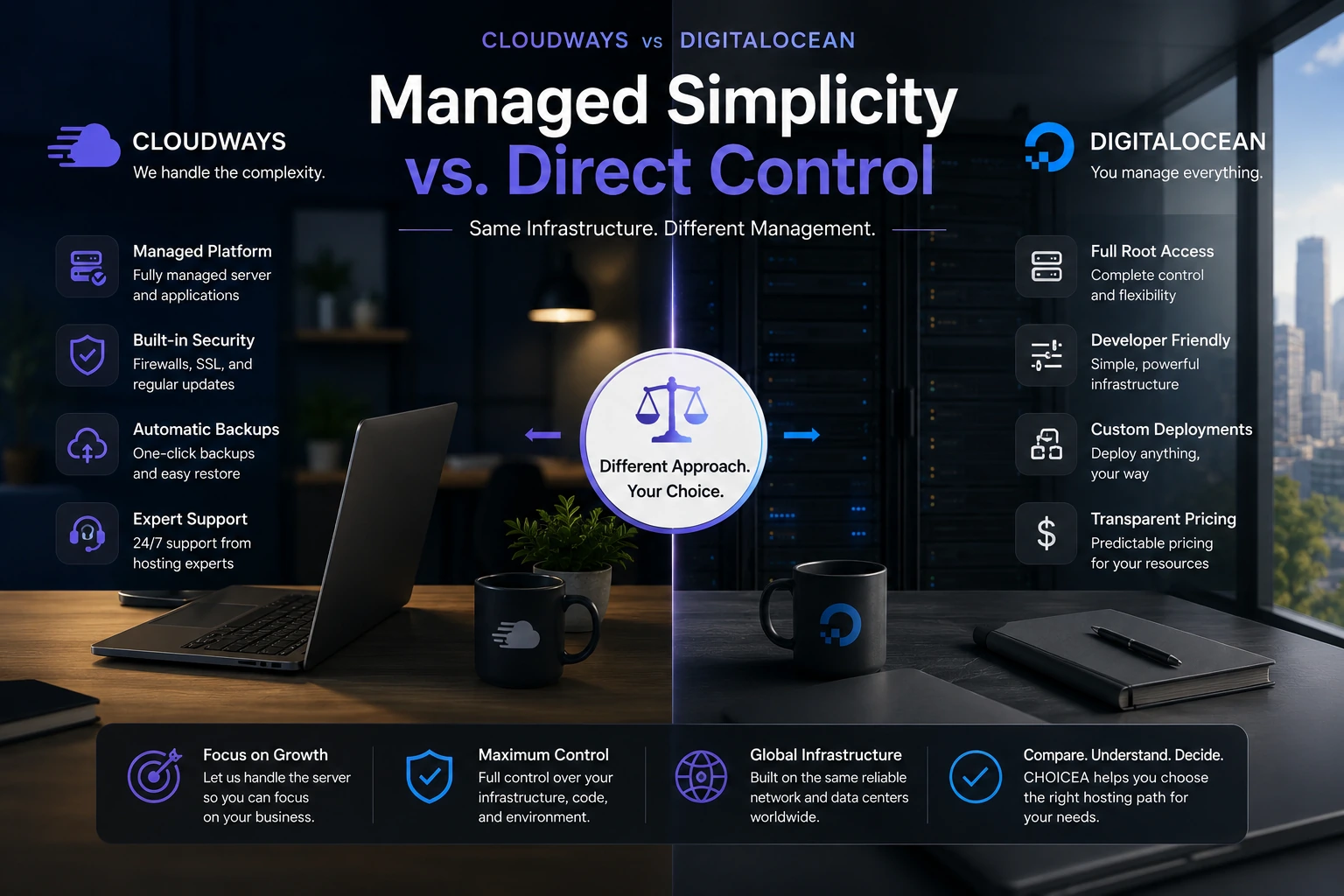
Cloudways doesn't run its own data centers. When you provision a "Cloudways" server, you're usually renting DigitalOcean, AWS, or Vultr capacity through Cloudways' management layer — which means the same underlying hardware is available two ways: through Cloudways, or directly from the infrastructure provider. We compared Cloudways' DigitalOcean-based plans against provisioning the exact same DigitalOcean server directly, at four server sizes, using each company's own published pricing.
The short version
At matching specs, Cloudways costs more than DigitalOcean direct — 100% more at 2GB, 91.7% more at 4GB, 83.3% more at 8GB, 55.2% more at 16GB. The percentage gap gets smaller as servers get bigger, even though the dollar gap gets bigger. That extra money is going toward a managed layer: 24/7 support, security, backups, staging tools, and a dashboard instead of raw command-line access. Whether that's worth it depends entirely on whether you'd rather pay for that layer or build it yourself.
Same company, two ways to buy it
Worth knowing before you read this comparison as two independent competitors: DigitalOcean acquired Cloudways outright in September 2022, for $350 million in cash. That doesn't mean the two products are identical, or that Cloudways stopped operating as its own brand — it still runs its own pricing, support, and dashboard, and this comparison is still real and still worth making. What it does mean is that this isn't really "Cloudways vs. a rival" — it's DigitalOcean's own raw infrastructure vs. its own subsidiary's managed layer on top of that same infrastructure. That's exactly why Cloudways' DigitalOcean-Standard plans are able to resell DO's own capacity directly: they're not renting it from an outside party, they're the parent company's product built on the parent company's own servers. If you're deciding between the two, you're really deciding how much you want to pay the same corporate parent for someone else to manage that infrastructure for you, not choosing between two separate companies' philosophies.
Same specs, different price
We matched each Cloudways DigitalOcean-Standard plan against the DigitalOcean Basic Droplet with identical RAM, vCPU, storage, and bandwidth. Prices below are both companies' standard listed monthly rate, checked directly on their pricing pages.
| RAM | vCPU | Storage | Transfer | Cloudways | DigitalOcean direct | Difference | Raw premium |
|---|---|---|---|---|---|---|---|
| 2GB | 1 | 50GB | 2TB | $24/mo | $12/mo | +$12/mo | 100% |
| 4GB | 2 | 80GB | 4TB | $46/mo | $24/mo | +$22/mo | 91.7% |
| 8GB | 4 | 160GB | 5TB | $88/mo | $48/mo | +$40/mo | 83.3% |
| 16GB | 8 | 320GB | 6TB | $149/mo | $96/mo | +$53/mo | 55.2% |
All four tiers match exactly on vCPU, storage, and transfer on both sides. (DigitalOcean also lists a separate, higher-spec 2GB option at 2 vCPUs/$18/mo — that's a different plan from the one matched above.)
Prices checked 2026-08-21 on cloudways.com/en/managed-digital-ocean-hosting.php and digitalocean.com/pricing/droplets. Cloudways was showing a limited-time "40% off for 4 months" promotion at the time we checked — we're not using that promotional rate here, since it isn't a stable price. Check current pricing before you buy.
This comparison uses Cloudways' Standard DigitalOcean droplet tier specifically. Cloudways also offers a Premium droplet hardware tier (newer CPUs, NVMe storage) on DigitalOcean, and a separate WordPress-only Autonomous product billed on a different axis entirely — if you're weighing those instead of the Standard-tier comparison above, see Cloudways Flexible vs Autonomous.
What the extra money actually buys
Cloudways' pricing page lists 24/7/365 support and free SSL as included on every plan. Beyond what's explicitly stated, the managed layer generally covers: server provisioning and maintenance, migration tooling, firewall and security configuration, built-in caching (Object Cache), Redis, staging and cloning environments, and a web dashboard in place of SSH-only access.
We can't put a dollar figure on what each of those would cost to replicate yourself on a raw DigitalOcean droplet — that would mean pricing out a backup service, a security service, and your own time, none of which we have real numbers for. What we can say is that this list is what you're paying the premium for, not nothing.
Side by side, what's actually included:
| Cloudways | DigitalOcean direct | |
|---|---|---|
| Server support | 24/7 chat, email, and ticketing included on every plan | None — community docs and forums only |
| Priority/phone-level support | Available as a paid "Advance Support" add-on, $100/mo standard rate (checked 2026-08-25 on Cloudways' own pricing page — Cloudways runs a promotional discounted rate on this add-on periodically; the $100/mo figure is the standard listed price, not the promo) | Not offered — DigitalOcean doesn't sell a comparable managed-support tier |
| Staging/cloning environments | Included | None — you'd build this yourself |
| Security configuration (firewall, SSL) | Included, managed | You configure and maintain it yourself |
| Dashboard vs. command line | Web dashboard | SSH/command line only |
This is the concrete shape of "the managed layer" — not a vague convenience claim, but specific things Cloudways staffs and DigitalOcean doesn't sell at all as a direct add-on.
Where the price gap comes from, by server size
The percentage premium drops as servers get bigger — 100% at 2GB, down to 55.2% at 16GB — while the dollar amount grows the whole time, from $12/mo to $53/mo. Put differently: the managed layer costs roughly the same amount of extra work to provide regardless of server size, so it's a bigger percentage add-on on a small server and a smaller one on a large server. If you're scaling up, the relative cost of staying on Cloudways gets easier to justify even as the absolute dollar amount increases.
Who this is for
- You're deciding between Cloudways and self-managing DigitalOcean for a WordPress site, PHP application, or general web workload.
- You want the real dollar and percentage gap, not a vague sense that "Cloudways costs more."
- You're trying to work out whether the managed layer is worth it at your specific server size.
Who should skip this comparison
- You've already decided you want fully-managed WordPress-only hosting specifically — Cloudways supports more than WordPress, which is a different trade-off than a WordPress-only host. See Cloudways vs Kinsta for that direct comparison.
- You've already decided you're comfortable self-managing a server and just want DigitalOcean's own pricing without the comparison.
Use cases
Solo developer, comfortable with Linux server administration. The $12-53/mo gap (tier-dependent) is likely money spent on convenience you don't need. DigitalOcean direct is the more cost-efficient choice if you're already doing your own security patching and backups.
Small business owner without in-house server expertise. The managed layer replaces what you'd otherwise have to hire or contract out. At that point the premium is closer to a labor-cost trade than a pure infrastructure markup.
Agency managing hosting for multiple client sites. Cloudways' staging/cloning tools and centralized dashboard have value that compounds across many servers in a way a single-server price comparison doesn't fully capture — though we don't have per-agency pricing data to quantify that here.
These are reasonable inferences from the feature list and pricing structure, not survey data — treat them as a starting point for your own decision, not a verdict.
Alternatives
If your workload is WordPress-only and you want fully-managed hosting built specifically for that, a WordPress-specific managed host is worth comparing separately — the pricing structure (visits/storage-based rather than RAM-based) makes it a different comparison than this one. See Kinsta vs WP Engine for that comparison, or Cloudways vs Kinsta if you want Cloudways itself kept in the comparison. If neither Cloudways nor DigitalOcean direct feels like the right fit after reading this, see our Cloudways alternatives guide for a broader decision framework. Deciding between Cloudways' own Flexible and Autonomous products instead? See Cloudways Flexible vs Autonomous.
Bottom line
This is the core decision this page exists to answer — the same two paths whether you read the rest of the article or just this section:
Choose Cloudways when you want a managed layer — 24/7 support, security configuration, backups, staging, a dashboard instead of SSH — on top of DigitalOcean's own infrastructure, and you're willing to pay $12-53/mo more for it depending on server size. You're paying the same corporate parent either way; Cloudways is where you pay it to also manage the server for you.
Choose DigitalOcean direct when you're comfortable managing a server yourself (security patching, backups, no dashboard) and want to minimize recurring cost — the savings are largest in percentage terms on smaller servers, and you keep full command-line control.
There's no single right answer here — it depends on how much server management work you want to do yourself, not on which company you'd rather give your money to, since it's the same one either way.
If this option fits you
Check Cloudways' DigitalOcean-based plansPR / This link goes to our partner's official site (affiliate link). We may earn a commission if you make a purchase, at no extra cost to you. Pricing and promotions may change — please check the official site for current terms.
FAQ
Is Cloudways just reselling DigitalOcean?
For its DigitalOcean-Standard plans, yes — Cloudways provisions DigitalOcean infrastructure and adds a management layer on top. It also offers plans on AWS and Vultr; this comparison covers the DigitalOcean-based option specifically.
Why does the premium percentage go down as servers get bigger?
Based on the pricing we checked, the dollar amount of the premium grows with server size, but not as fast as the base price grows — so the percentage shrinks even though you're paying more in absolute terms.
Is the 2GB tier a fair comparison?
Yes — Cloudways' 2GB plan (1 vCPU/50GB/2TB) matches DigitalOcean's own 1 vCPU/50GB/2TB Basic Droplet exactly. DigitalOcean's separate 2 vCPU/$18/mo 2GB option is a different plan, not the one compared here.
Does DigitalOcean actually own Cloudways?
Yes — DigitalOcean acquired Cloudways in September 2022 for $350 million in cash. Cloudways still operates under its own brand, pricing, and dashboard, so this comparison is still a real, meaningful choice — but it's worth knowing you're choosing between two products from the same parent company, not two unrelated competitors.
Sources
- Cloudways DigitalOcean-Standard pricing: cloudways.com/en/managed-digital-ocean-hosting.php (checked 2026-08-21, re-verified 2026-08-25 — table unchanged)
- DigitalOcean Basic Droplet pricing: digitalocean.com/pricing/droplets (checked 2026-08-21)
- Cloudways support/add-on pricing (Advance Support $100/mo standard rate): cloudways.com/en/pricing.php (checked 2026-08-25)
- DigitalOcean's acquisition of Cloudways ($350M cash, closed September 2022): Wikipedia (en.wikipedia.org/wiki/Cloudways), citing Bloomberg ("DigitalOcean to Buy Web-Hosting Firm Cloudways for $350 Million") and ChannelE2E (checked 2026-08-25)
Price checked at: 2026-08-21, re-verified 2026-08-25. Hosting prices change — confirm current rates on each provider's site before making a decision.