Kinsta vs WP Engine: Which Managed WordPress Host Fits Your Traffic?
Kinsta and WP Engine both offer managed WordPress hosting, but they scale on different axes. Real pricing, storage, and visit-allowance comparison across every published tier (checked 2026-08-21).
This page may contain affiliate links. We may earn a commission if you make a purchase, at no extra cost to you.
The 30-second answer
CHOICEA'S PICK
Kinsta's entry plan ($35/mo) includes more monthly visits than WP Engine's ($30/mo) at the same 10GB storage, but WP Engine's storage allowance grows with higher tiers while Kinsta's stays flat at 10-15GB regardless of traffic. Choose based on whether storage or traffic capacity is more likely to become your bottleneck.
What to check next: Kinsta — affiliate application rejected, editorial content only
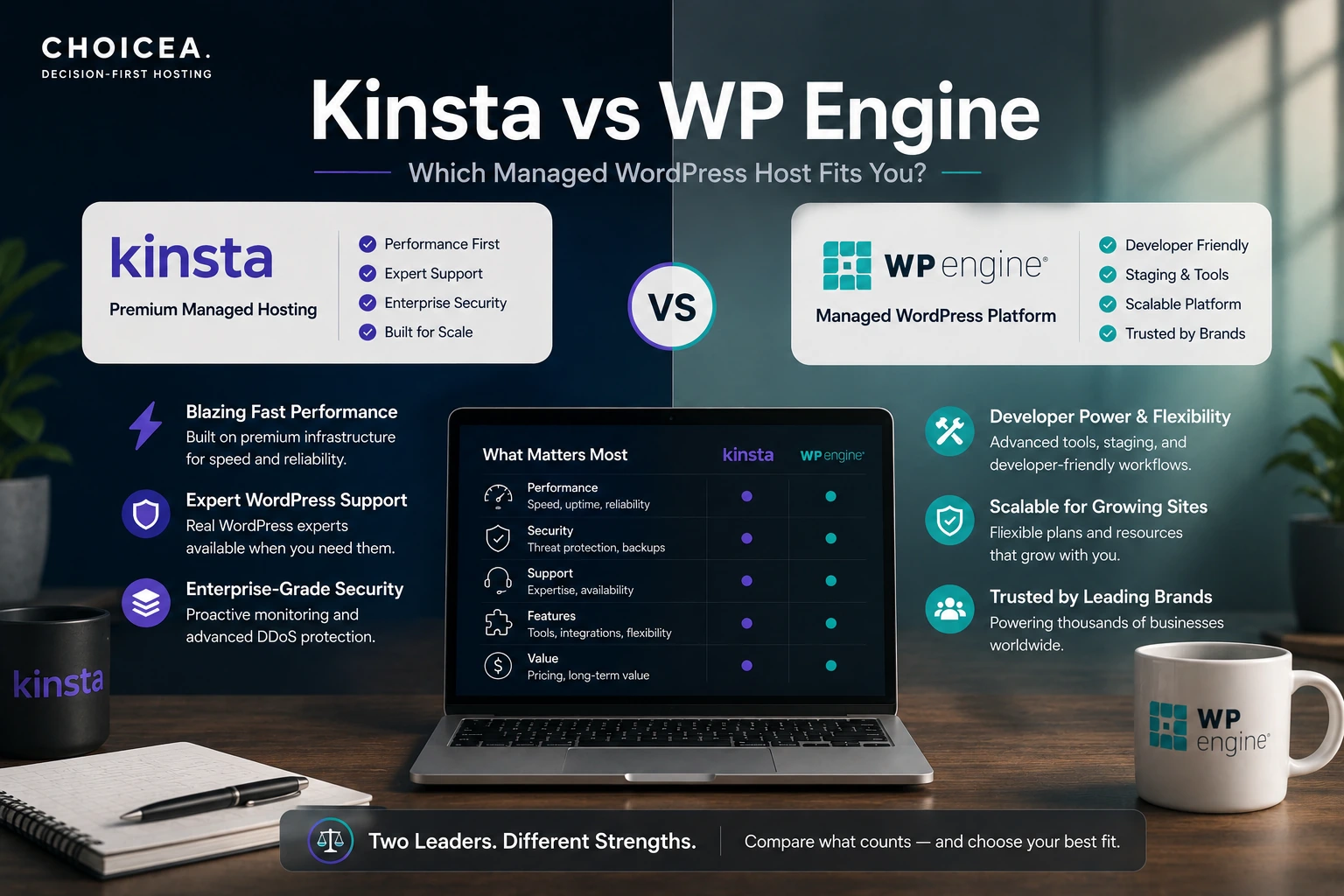
Kinsta and WP Engine show up in almost every "managed WordPress hosting" search, and both are legitimate, well-established options — this isn't a case of one being a real product and the other a knockoff. The actual decision comes down to which axis your site is more likely to strain against first: traffic volume or storage. We pulled every published pricing tier from both providers' current sites (checked 2026-08-21) to make that comparison concrete instead of impressionistic.
Kinsta vs WP Engine at a glance
Both are fully-managed WordPress hosts: you don't touch a server, you get a dashboard, and support is included. The difference that actually matters for picking between them is structural, not cosmetic — the two providers scale their plans along different resources as you move up their pricing ladders. Kinsta scales primarily by monthly visits and keeps storage flat within its single-site tiers; WP Engine scales storage alongside visits and site count. That single structural difference is this article's real subject.
Pricing: every published tier, both sides
Kinsta — Single Site plans (kinsta.com/pricing/, checked 2026-08-21):
| Plan | Sites | Monthly visits | Storage | Price |
|---|---|---|---|---|
| Single 20GB / 35k | 1 | 35,000 | 10GB | $35/mo |
| Single 40GB / 65k | 1 | 65,000 | 10GB | $50/mo |
| Single 65GB / 125k | 1 | 125,000 | 10GB | $90/mo |
| Single 125GB / 315k | 1 | 315,000 | 10GB | $170/mo |
| Single 250GB / 500k | 1 | 500,000 | 15GB | $290/mo |
| Single 500GB / 750k | 1 | 750,000 | 15GB | $375/mo |
Kinsta also offers Multi-site plans (2-40 sites, $70-$450/mo) and Agency plans (20-60 sites, $340-$675/mo) for anyone managing more than one WordPress install.
WP Engine — Essential tier (wpengine.com/plans/, checked 2026-08-21, annual billing rate):
| Plan | Sites | Monthly visits | Storage | Price |
|---|---|---|---|---|
| Startup | 1 | 25,000 | 10GB | $30/mo |
| Professional | 3 | 75,000 | 15GB | $55/mo |
| Growth | 10 | 100,000 | 20GB | $109/mo |
| Scale | 30 | 400,000 | 50GB | $276/mo |
Extra sites can be added to any Essential plan for $20/mo each. WP Engine's own page notes the visit numbers are "estimates only" and that this pricing reflects annual billing — worth confirming month-to-month rates directly if that's how you plan to pay. Above Essential, WP Engine's Core plan starts "from $400/mo" with custom configuration, and Enterprise is fully custom.
Real cost: the storage-vs-traffic trade-off
This is the part a raw price comparison misses. Look at what actually changes as each provider's tiers go up:
- Kinsta's storage is flat within the single-site line — every tier from $35/mo to $170/mo gives you the same 10GB, only unlocking 15GB at the $290/mo and $375/mo tiers. What you're paying for as you move up is visit capacity, not space.
- WP Engine's storage scales with every tier — 10GB → 15GB → 20GB → 50GB, moving in step with site count and visits.
Practically: if your site is content-light but traffic-heavy (a SaaS marketing site, a lead-gen page getting real ad traffic), Kinsta's model means you're not paying for storage you don't need as visits grow. If your site accumulates real storage weight — a media-heavy blog, a WooCommerce store with a large product catalog, multiple sites under one account — WP Engine's storage-scaling tiers track that growth more directly, and its multi-site pricing (3 sites from $55/mo) undercuts Kinsta's multi-site entry point ($70/mo for 2 sites) at a comparable scale.
Neither provider publishes what happens if you exceed your storage or visit allowance mid-cycle (overage pricing) — that's a real gap in this comparison, not something to guess at.
Comparison
| Kinsta | WP Engine | |
|---|---|---|
| Entry price | $35/mo | $30/mo |
| Entry visits | 35,000/mo | 25,000/mo |
| Entry storage | 10GB | 10GB |
| Storage scaling | Flat (10-15GB) across single-site tiers | Scales with tier (10GB→50GB) |
| Multi-site entry | 2 sites, $70/mo | 3 sites, $55/mo |
| Billing basis confirmed | Monthly rate as shown | Annual billing rate (per page) |
Who Kinsta fits
Sites where traffic is the growth driver and storage needs stay modest — marketing sites, landing pages, content sites without heavy media libraries, anyone who'd rather budget around visits than storage. See our full Kinsta review for what's actually included at each tier, what's missing, and a good-fit/poor-fit breakdown beyond this head-to-head.
Who WP Engine fits
Sites that accumulate real storage over time (media, e-commerce catalogs) or anyone managing several sites from day one, where WP Engine's cheaper 3-site entry point and storage-scaling tiers track actual usage more closely.
Use cases
- Solo blogger, growing traffic, light media: Kinsta's flat storage won't become a bottleneck; the visit-based tiers scale with what actually matters for this workload.
- Small agency running 3-5 client sites: WP Engine's Professional tier ($55/mo for 3 sites) is cheaper per-site than Kinsta's multi-site entry ($70/mo for 2 sites).
- WooCommerce store with a large catalog: WP Engine's scaling storage is a more direct fit than Kinsta's flat 10-15GB.
Alternatives
Neither Kinsta nor WP Engine is the only managed WordPress option — Cloudways also supports WordPress (among other stacks) on a different pricing model entirely (RAM/vCPU-based rather than visit-based); see our Cloudways pricing breakdown if per-resource pricing appeals more than visit-tier pricing. If you're not sure managed WordPress hosting is the right category at all, DigitalOcean direct is the self-managed alternative for anyone comfortable running their own server.
Decision table
Your situation
- Traffic-heavy, storage-light
- Storage-heavy or multi-site from the start
- Want resource-based (RAM/vCPU) pricing instead of visit-based
- Want to self-manage a server instead
Lean toward
- Kinsta
- WP Engine
- Neither — see Cloudways
- Neither — see DigitalOcean direct
Bottom line
Kinsta and WP Engine both charge roughly the same at the entry tier, but they scale differently — Kinsta by traffic, WP Engine by storage and site count. There's no single winner here; the right pick depends on which resource your site will actually grow into first.
FAQ
Is Kinsta or WP Engine cheaper?
At the entry tier, WP Engine is $5/mo cheaper ($30 vs $35), but Kinsta includes 10,000 more monthly visits at that price. Which is "cheaper" depends on whether you're comparing by dollar or by visits-per-dollar.
Does either allow storage overage?
Not stated on either provider's public pricing page as checked — this is a real open question, not something we can answer from the pricing pages alone.
Can I switch between them later?
Both are standard managed WordPress hosts with migration tooling; a full migration-difficulty comparison wasn't part of this pricing-focused piece.
Sources
- kinsta.com/pricing/ — pricing, checked 2026-08-21
- wpengine.com/plans/ — pricing, checked 2026-08-21 (page itself notes annual billing rate and "estimates only" visit figures)
Price checked at: 2026-08-21, both sides.