Cloudways vs Servebolt — Two Different Bets on What "Managed" Means
Cloudways and Servebolt are both managed hosting, but they're built around different bets — multi-stack flexibility vs. WordPress-tier performance engineering. Real pricing on both sides, checked 2026-09-06.
This page may contain affiliate links. We may earn a commission if you make a purchase, at no extra cost to you.
The 30-second answer
CHOICEA'S PICK
Cloudways is a management layer on raw cloud infrastructure you size yourself, starting around $11/month, and supports WordPress alongside other stacks. Servebolt is purpose-built performance hosting across several CMS platforms (including but not limited to WordPress), starting at $99/month with no comparably cheap entry tier. The real fork isn't price — it's whether you need Servebolt's performance-first architecture or Cloudways' lower-cost flexibility.
BEST FOR
- You want the lowest-cost entry point into managed hosting, and $11-46/mo covers your actual workload.
- You want to choose the underlying infrastructure provider yourself (DigitalOcean, Vultr, Linode, AWS, or GCE).
- Your priority is server-resource flexibility and cost control over a specific performance-engineering claim.
ALTERNATIVE / if your situation is different
- You're already past the point where a $11-46/mo server is realistic for your traffic, and you specifically want server-level performance engineering rather than a caching-plugin workaround.
- You run multiple live sites (5+) and want per-tier site-count allowances built in, rather than provisioning separate servers.
- Unmetered bandwidth and a free CDN bundled into the base price matter more to you than Cloudways' lower sticker price with those items priced separately.
What to check next: Check Cloudways' plans
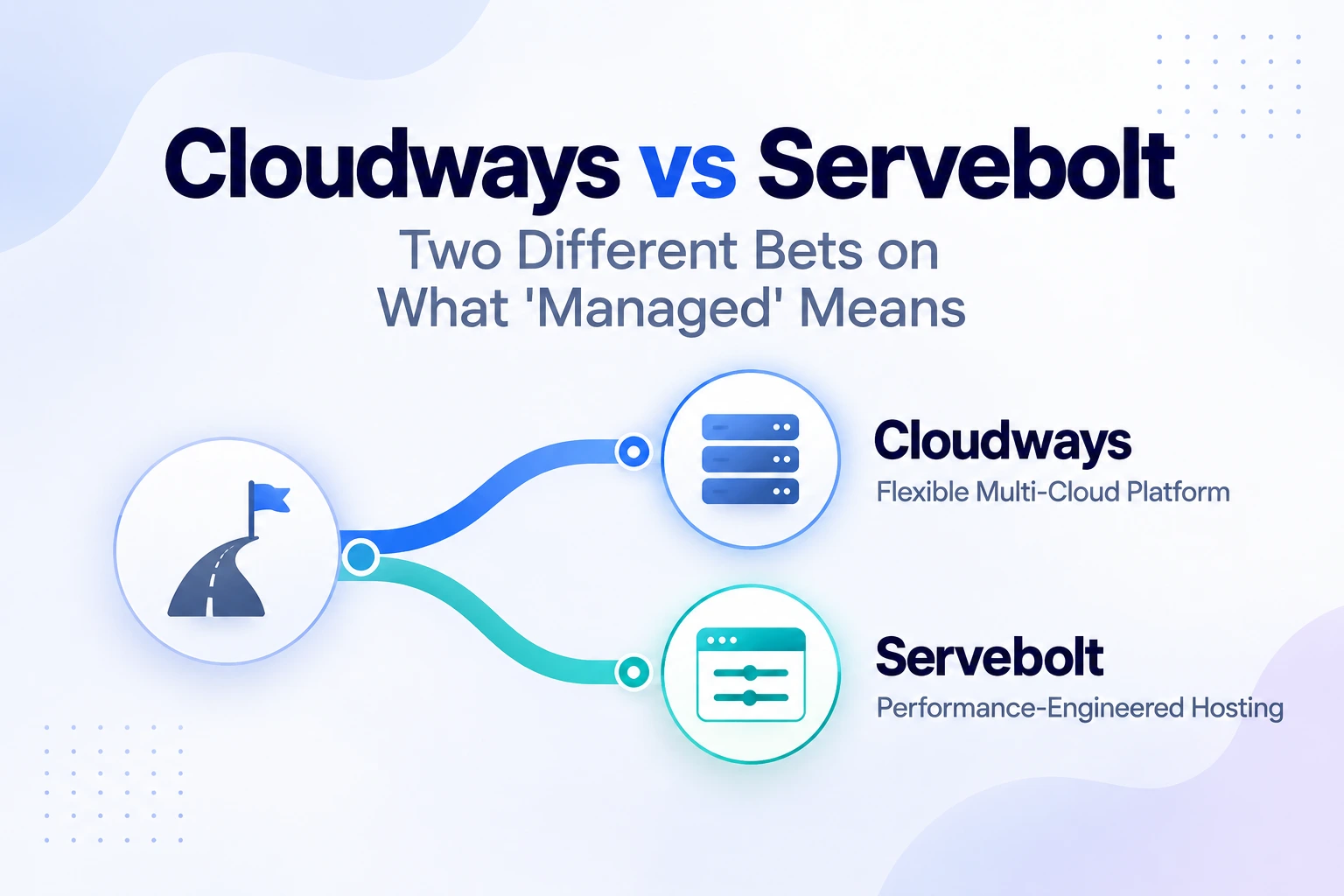
Servebolt markets itself specifically against "traditional managed hosting" that leans on caching plugins to fake speed — a real, specific positioning claim, not a vague one. Cloudways doesn't compete on that exact axis at all; it's a management layer over raw cloud infrastructure you size yourself. Comparing the two only makes sense once you're clear that they're not answering the same question: Cloudways asks "how much server do you need and who manages it," Servebolt asks "how fast does your site need to be, engineered at the server level rather than cached around." This page prices both directly and lays out which question actually matches your situation.
The real difference isn't a features list
Cloudways provisions a server on infrastructure you choose (DigitalOcean, Vultr, Linode, AWS, or Google Compute Engine) and adds a management layer — dashboard, backups, security configuration — on top, billed by server resources (RAM/vCPU). It supports WordPress, WooCommerce, and general PHP applications on the same infrastructure; WordPress is one of several things you can run, not the only thing.
Servebolt is built around a specific technical claim: that heavy caching-plugin stacks are a workaround for slow PHP/database handling, not a real fix, and that optimizing at the server level ("true uncached speed," in Servebolt's own words) is the better approach. It supports WordPress, WooCommerce, Drupal, Laravel, Magento 2, PrestaShop, Craft CMS, and TYPO3 — multi-platform, like Cloudways, but every tier is engineered around the same performance-first architecture rather than Cloudways' pick-your-own-server-spec model.
Neither company is lying about what it does, and neither is a strict subset of the other — they're different bets on what "managed" should optimize for.
Pricing: what each actually charges to start
Cloudways' Flexible plans (DigitalOcean-Standard tier, checked directly on cloudways.com/en/managed-digital-ocean-hosting.php, 2026-08-25) start at $11/month for 1GB RAM/1 vCPU/25GB storage/1TB bandwidth, stepping up through $24/mo (2GB), $46/mo (4GB), $88/mo (8GB), to $149/mo (16GB) and beyond. Full matched-tier detail is in CHOICEA's Cloudways pricing breakdown — this article isn't repeating that table.
Servebolt's plans (checked directly on servebolt.com/pricing/, 2026-09-06) start at $99/month for the Pro tier (10GB storage, 500K dynamic requests, 256MB PHP memory, 5 live sites), stepping up to $349/mo (Business: 40GB, 1M requests, 512MB, 25 sites) and $699/mo (Scale: 100GB, 3M requests, 768MB, 50 sites), with a custom Enterprise tier above that.
The gap is structural, not incidental: Servebolt has no tier anywhere near Cloudways' $11-46/mo range. A single-site, modest-traffic workload that fits comfortably on a $24/mo Cloudways server has no equivalent-priced option on Servebolt at all — the Pro tier's $99/mo is priced for a use case (5 live sites, meaningful request volume) well past that starting point.
What Servebolt's tiers include that Cloudways prices separately
Every Servebolt tier bundles unlimited RAM, unmetered data transfer, and free CDN access — none of these are separate line items or add-ons the way Cloudways' bandwidth allowance and CDN (a paid add-on, per CHOICEA's Cloudways hidden costs breakdown) are. Servebolt also includes automated Git deployments, separate Dev/Stage/Prod environments, and 4-hour backup snapshots with 30-day retention — a specific, stated backup cadence, unlike Cloudways' pricing pages, which describe backups as bundled without stating an exact frequency or retention window (per CHOICEA's Cloudways vs Kinsta comparison, which found the same gap against a different competitor).
This isn't free — it's priced into Servebolt's higher entry point rather than itemized separately. Whether that's a better deal depends entirely on whether you'd have paid for the add-ons Cloudways prices separately anyway.
Platform support — Servebolt isn't WordPress-only either
A common assumption worth correcting directly: Servebolt is not a WordPress-only platform, despite performance-hosting marketing in this space often being pitched that way. Servebolt's own pricing page lists WordPress, WooCommerce, Drupal, Laravel, Magento 2, PrestaShop, Craft CMS, and TYPO3 as supported platforms — a multi-stack scope closer to Cloudways' than to a WordPress-exclusive platform like Kinsta (see CHOICEA's Cloudways vs Kinsta for that different, WordPress-only comparison). The real platform-support difference between Cloudways and Servebolt isn't breadth — both are multi-stack — it's that Servebolt's infrastructure is engineered around performance for the platforms it supports, while Cloudways' value proposition is choosing your own server spec across whichever provider you pick.
Who Cloudways fits
- You want the lowest-cost entry point into managed hosting, and $11-46/mo covers your actual workload.
- You want to choose the underlying infrastructure provider yourself (DigitalOcean, Vultr, Linode, AWS, or GCE).
- Your priority is server-resource flexibility and cost control over a specific performance-engineering claim.
Who Servebolt fits
- You're already past the point where a $11-46/mo server is realistic for your traffic, and you specifically want server-level performance engineering rather than a caching-plugin workaround.
- You run multiple live sites (5+) and want per-tier site-count allowances built in, rather than provisioning separate servers.
- Unmetered bandwidth and a free CDN bundled into the base price matter more to you than Cloudways' lower sticker price with those items priced separately.
What this comparison doesn't settle
Neither company publishes independently-audited performance benchmarks on the pages CHOICEA checked — Servebolt's "true uncached speed" claim is Servebolt's own positioning, not a third-party test result, and this article isn't treating it as verified fact. Similarly, this comparison doesn't cover migration mechanics between the two (see CHOICEA's migration guide for the Cloudways/Kinsta path specifically — Servebolt migration isn't covered there and would need its own check before you rely on it).
Bottom line
There's no universal winner here, and the two products aren't really competing for the same buyer at the same stage. Cloudways fits a lower-cost, flexible-infrastructure decision; Servebolt fits a higher-spend, performance-engineered decision for someone already running enough sites or traffic that a $99+/mo tier is a realistic starting point, not an upsell. Price the workload you actually have against both tables above rather than assuming either company's marketing framing applies to your situation.
If this option fits you
Check Cloudways' plansPR / This link goes to our partner's official site (affiliate link). We may earn a commission if you make a purchase, at no extra cost to you. Pricing and promotions may change — please check the official site for current terms.
FAQ
Is Servebolt more expensive than Cloudways?
Yes, at every comparable point — Servebolt has no tier below $99/mo, while Cloudways starts at $11/mo. Whether that gap matters depends on whether Cloudways' cheaper tiers actually fit your workload; if you're already running 5+ sites or need Servebolt's request-volume headroom, the comparison shifts.
Is Servebolt WordPress-only?
No — Servebolt supports WordPress, WooCommerce, Drupal, Laravel, Magento 2, PrestaShop, Craft CMS, and TYPO3. It's multi-platform, though its performance-engineering pitch is most commonly discussed in a WordPress context.
Does CHOICEA have an affiliate relationship with Servebolt?
No — this article is editorial only, with no Servebolt affiliate program applied to at the time of writing. Nothing above was written to favor Cloudways for that reason; the pricing and feature comparison stands on its own.
Sources
- cloudways.com/en/managed-digital-ocean-hosting.php — Cloudways Flexible pricing, fetched directly, checked 2026-08-25 (referenced from CHOICEA's own prior verification, not re-fetched for this article)
- servebolt.com/pricing/ — Servebolt plan tiers, pricing, and included features, fetched directly, checked 2026-09-06
- CHOICEA's own Cloudways Hidden Costs and Cloudways vs Kinsta comparisons (linked above) — Cloudways add-on and backup-policy detail, referenced here rather than re-derived
Checked at: 2026-09-06 (Servebolt figures, fetched directly this check). Cloudways figures checked 2026-08-25 per CHOICEA's existing verification. Both providers' pricing and included features change — confirm current terms directly before making a decision.