Migrating to Cloudways or Kinsta: Which Path Actually Fits You
Cloudways and Kinsta both promise a smooth migration, but the actual process, eligibility rules, and restrictions differ in ways that matter once you've picked a destination. Here's what changes depending on which one you choose, checked directly against both providers' current migration documentation on 2026-08-23.
This article may contain affiliate links. We may earn a commission if you make a purchase, at no extra cost to you.
The 30-second answer
CHOICEA'S PICK
If you're running a standard WordPress or WooCommerce site and want the option to self-migrate for free at any time, Cloudways' plugin-based approach gives you that flexibility. If you'd rather hand the whole thing to a team and never touch it yourself, Kinsta's unlimited free migrations are the more hands-off path — but check the multisite, WordPress.com-origin, and large-site restrictions below before assuming either one is a clean fit for your specific setup.
What to check next: See Cloudways' migration tools
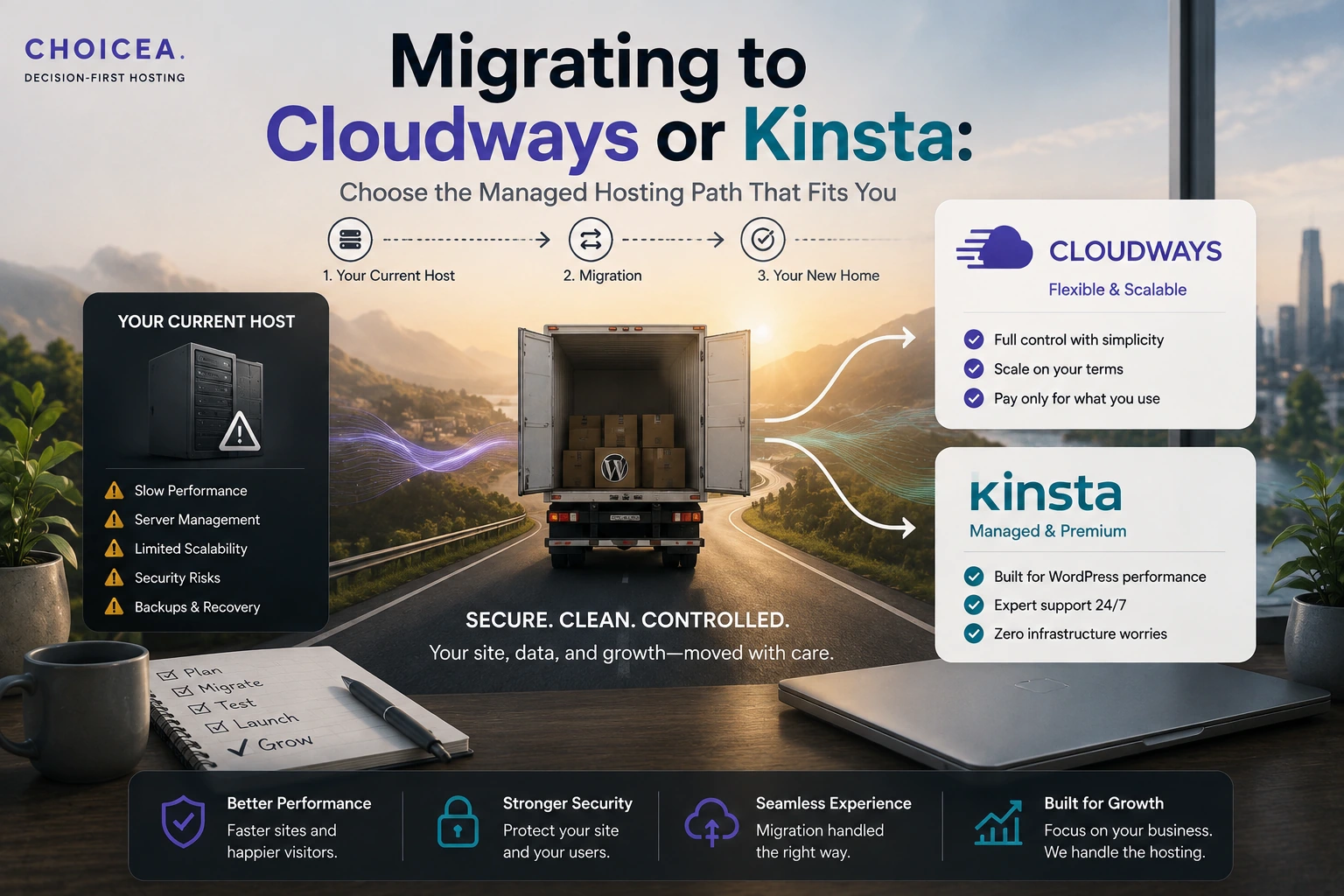
Once you've decided to migrate and worked through the general preparation, the last real decision is which specific path gets you there — and Cloudways and Kinsta handle that path differently enough that it's worth knowing before you start, not after.
What This Page Assumes
This page assumes two things are already settled: that you understand what migration actually involves mechanically (see WordPress Migration: What Actually Happens When You Switch Hosts if you don't yet), and that you've worked through the general preparation — backups, DNS planning, rollback readiness (see the WordPress Migration Checklist for that, in full). This page doesn't repeat either of those — it's specifically about what's different once Cloudways or Kinsta is the actual destination.
What Actually Changes Depending on Your Destination
Cloudways [SOURCE-DERIVED, cloudways.com/en/free-website-migration-service.php, checked 2026-08-23]: one expert-handled migration is free per customer for WordPress sites; beyond that, self-managed migration via Cloudways' own WordPress Migrator Plugin is unlimited and free, any time. Non-WordPress applications (Magento, Laravel, custom PHP) are a paid add-on after your first free transfer. WooCommerce sites are explicitly supported. Cloudways provisions infrastructure across multiple cloud providers (DigitalOcean, Vultr, AWS, among others) — worth knowing if you have a preference for which underlying infrastructure your migrated site lands on.
Kinsta [SOURCE-DERIVED, kinsta.com/wordpress-hosting/migration/ and kinsta.com/docs/wordpress-hosting/wordpress-migrations/migrating-to-kinsta/, checked 2026-08-23]: migrations are free and unlimited, and per Kinsta's own site, "all Kinsta migrations are handled by our expert migrations team" — the default path is team-handled, not self-service, though manual/DIY documentation exists for anyone who prefers it. Kinsta accepts sites from any WordPress host or standard WordPress installation, including custom setups (Bedrock/Trellis stacks are explicitly mentioned as supported). Kinsta is WordPress-only — there's no non-WordPress migration path at all, unlike Cloudways.
The practical difference this creates: Cloudways gives you a self-service option you can use repeatedly and immediately, at no cost, if you're comfortable running the plugin yourself; Kinsta's default is handing the whole process to their team, with DIY as a documented fallback rather than the primary path. Neither is objectively better — it depends on whether you want migration to be something you can trigger yourself on your own timeline, or something you hand off entirely.
Both Providers Claim "Zero Downtime" — What That Actually Means
Cloudways' own migration page states its service "ensures zero downtime, so your website remains accessible during the transfer." Kinsta's own migration page separately states "zero downtime during site migration" as an explicit guarantee. Both are the providers' own stated claims [SOURCE-DERIVED — cloudways.com/en/free-website-migration-service.php and kinsta.com/wordpress-hosting/migration/, both checked 2026-08-23], not independently tested or verified by CHOICEA, and we're not making a "zero downtime" promise of our own here — we're reporting that both providers make one.
What "zero downtime during the copy" doesn't cover, and what both providers' own processes confirm separately: the DNS cutover step afterward. Both Kinsta's and Cloudways' documentation describes a copy-then-test-then-DNS-switch sequence, not an instant, seamless handoff — Kinsta's own docs specifically instruct "don't update your DNS until you've fully tested everything," and note that DNS propagation typically takes around an hour but varies by your domain's TTL settings. "Zero downtime" reasonably describes the copy itself not disrupting your live site — it doesn't mean the DNS switch afterward is instantaneous for every visitor everywhere.
DNS Cutover Is Your Responsibility Either Way
Neither provider's migration service extends to changing your DNS for you — confirmed directly for Kinsta ("customers handle this themselves... updating DNS to point domains to Kinsta after completion") and consistent with Cloudways' own migration documentation, which doesn't describe DNS as part of the migration service either. This matches exactly what the migration checklist's cut-over and rollback-preparation sections already cover — neither destination changes that part of the process, so that page's guidance still applies in full regardless of which one you pick.
Complex-Site Considerations
This is where the two destinations genuinely diverge, based on Kinsta's own documented restrictions [SOURCE-DERIVED, kinsta.com/docs/wordpress-hosting/wordpress-migrations/migrating-to-kinsta/, checked 2026-08-23] — Cloudways' own current documentation didn't specify equivalent restrictions in as much detail, which we're noting rather than filling in a guess for:
- Multisite networks: Kinsta cannot migrate individual subsites separately — the entire multisite network moves as one unit. If you specifically want to split a multisite network apart during a move, Kinsta's stated process doesn't support that as-is.
- WordPress.com origin sites: Kinsta cannot do a full technical migration from WordPress.com specifically, due to WordPress.com's own access restrictions — only content (posts, pages, comments) can be exported into a fresh installation; themes and plugins need to be reinstalled separately. If you're moving off WordPress.com specifically, budget real extra setup time regardless of destination.
- Large sites: Kinsta notes sites over 10GB may extend even its expedited migration timeline.
- Ecommerce, membership, and community sites: Kinsta recommends enabling maintenance mode during the migration specifically for these site types, to prevent data loss from changes made mid-transfer.
We don't have equivalently specific, current, first-party detail on Cloudways' handling of these same edge cases — its migration page addresses WordPress/WooCommerce eligibility and the paid non-WordPress tier, but doesn't spell out multisite or large-site handling the way Kinsta's documentation does. If any of the above applies to your site, that's a real reason to contact the specific provider directly before assuming either path is straightforward.
Decision Matrix
Your situation
- Standard WordPress or WooCommerce site, want the option to self-migrate any time at no cost
- Want the whole process handled by someone else, willing to accept their timeline
- Running a non-WordPress application (Magento, Laravel, custom PHP)
- Multisite network you want to split apart during the move
- Moving directly off WordPress.com
- Large site (10GB+) or an ecommerce/membership site with active transactions
- Still deciding between Cloudways and Kinsta as a destination at all, not just how to migrate
Lean toward
- Cloudways (unlimited free self-service via its plugin)
- Kinsta (team-handled by default, unlimited free)
- Cloudways — Kinsta has no non-WordPress path at all
- Neither, as documented — Kinsta explicitly migrates multisite as one unit; confirm Cloudways' exact handling directly before assuming it supports a split
- Budget extra manual setup time regardless of destination — full technical migration isn't possible per Kinsta's stated restriction, and this is a WordPress.com-side limitation, not specific to either destination
- Confirm current handling directly with your chosen provider before committing to a migration date — both cases have real, provider-stated caveats above
- See Best Managed WordPress Hosting or Kinsta Review for that upstream decision first
A Quick Note on Kinsta's Pricing
If Kinsta is the destination you're evaluating, one thing worth knowing before you commit: Kinsta's own marketing page states a "$30/month" entry price, while Kinsta's own pricing page lists $35/month for the equivalent tier — a real, reproducible inconsistency CHOICEA has now confirmed on two separate checks (2026-08-21 and again 2026-08-23). This isn't a migration-specific issue, and this isn't a pricing article — see our full Kinsta Review for the complete tier table and pricing detail; we're flagging it briefly here only because it's directly relevant if Kinsta's cost is part of your migration decision.
Bottom Line
The migration mechanics themselves — copy, test, DNS cutover — don't fundamentally change based on which of these two you choose; what changes is who does the work and what's excluded. Cloudways gives you a free, repeatable self-service option and supports non-WordPress applications; Kinsta defaults to a fully team-handled process but is WordPress-only and has specific, documented restrictions for multisite networks, WordPress.com origins, and very large sites. Match the path to how much you want to do yourself and whether any of the complex-site cases above apply to you — not to whichever provider's migration page sounds most reassuring.
If this option fits you
See Cloudways' migration toolsPR / This link goes to our partner's official site (affiliate link). We may earn a commission if you make a purchase, at no extra cost to you. Pricing and promotions may change — please check the official site for current terms.
FAQ
Will my site really have zero downtime during migration?
Both providers claim this for the copy-and-transfer step itself, based on their own stated terms — but the DNS cutover afterward still takes real time (often around an hour, sometimes longer depending on your domain's settings) during which propagation is still catching up. "Zero downtime" describes the transfer, not an instantaneous DNS switch.
Can I migrate a multisite network to Kinsta and split it into separate sites?
Not as documented — Kinsta's own process migrates a multisite network as a single unit. If splitting it apart is important to you, that's a real constraint to plan around, not a step Kinsta's stated process currently supports.
Do either of these providers charge for migration?
Both offer free migration for standard WordPress sites — Cloudways caps the free *expert-handled* migration at one per customer (with unlimited self-service via its plugin beyond that), while Kinsta states its migrations are free and unlimited, team-handled by default. Non-WordPress applications on Cloudways are a separate paid service.
Sources
- cloudways.com/en/free-website-migration-service.php — fetched directly, checked 2026-08-23
- kinsta.com/wordpress-hosting/migration/ — fetched directly, checked 2026-08-23
- kinsta.com/docs/wordpress-hosting/wordpress-migrations/migrating-to-kinsta/ — fetched directly, checked 2026-08-23 (multisite, WordPress.com-origin, and large-site restrictions)
- support.cloudways.com's managed-migration article was attempted directly and returned HTTP 403 — not independently verified this round; the free-website-migration-service.php page above was used instead and covers the same core terms
- CHOICEA's own Kinsta Review (linked above) — the $30-vs-$35 pricing inconsistency, most recently reconfirmed 2026-08-23, referenced here rather than re-derived
Checked at: 2026-08-23. Migration terms, eligibility, and pricing change — confirm current policy directly with your chosen provider before scheduling a migration.